
Where the transfer drifts
The link almost nobody checks, and how to tell if a case came back because of the transfer or something else.
One live hour on the step between CAD and the articulator: how the printed model goes back to the same position, with the contacts you designed. Every time.
Print the model, put it on the articulator, and it goes back to the same position. Every time, without rebuilding it by hand. One live hour to see how it's done.
The link almost nobody checks is the transfer to the articulator. One live hour on how to take it off the suspect list, so the next time a case is high you know where to look.
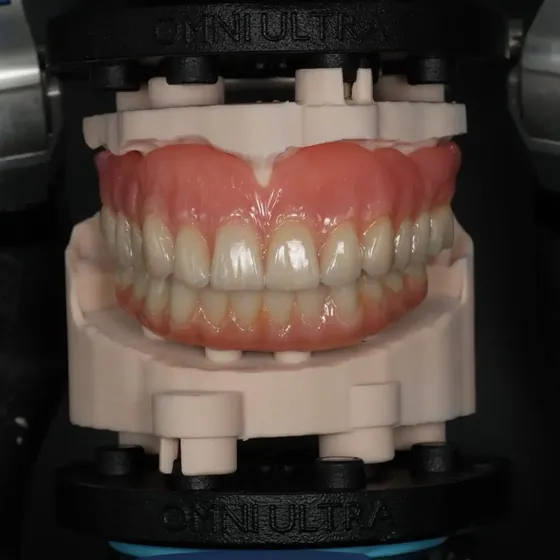
Design in CAD, print the model, and it goes on the articulator you already use. Same position, every time: the pin at zero, the contacts you designed. One live hour to see the whole step.
When the step from CAD to the articulator isn't under control, everything is a suspect. One live hour on how to know where the error is in thirty seconds, with two questions.
The printed model goes on the plate, the articulator closes, the pin is at zero. Same position, same contacts you designed in CAD. One live hour to see how it's done.
30+ countrieswith labs on DACOS Omni
400+ registeredfor the last edition
Live webinar · 3D printing protocol · Live Q&A
Not a CAD course. One step, looked at up close: the moment the printed model goes back on the articulator.
The link almost nobody checks, and how to tell if a case came back because of the transfer or something else.
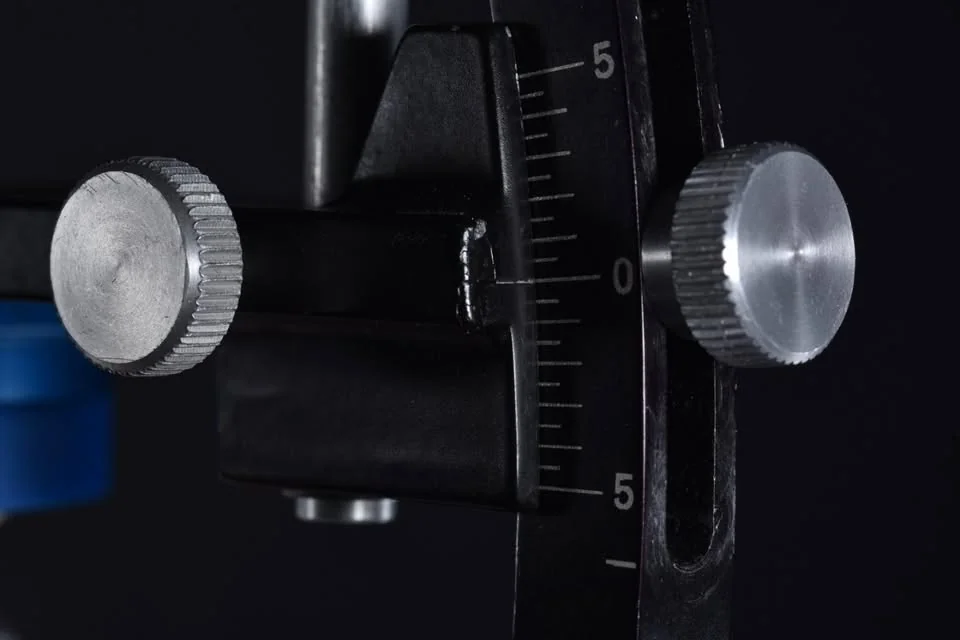
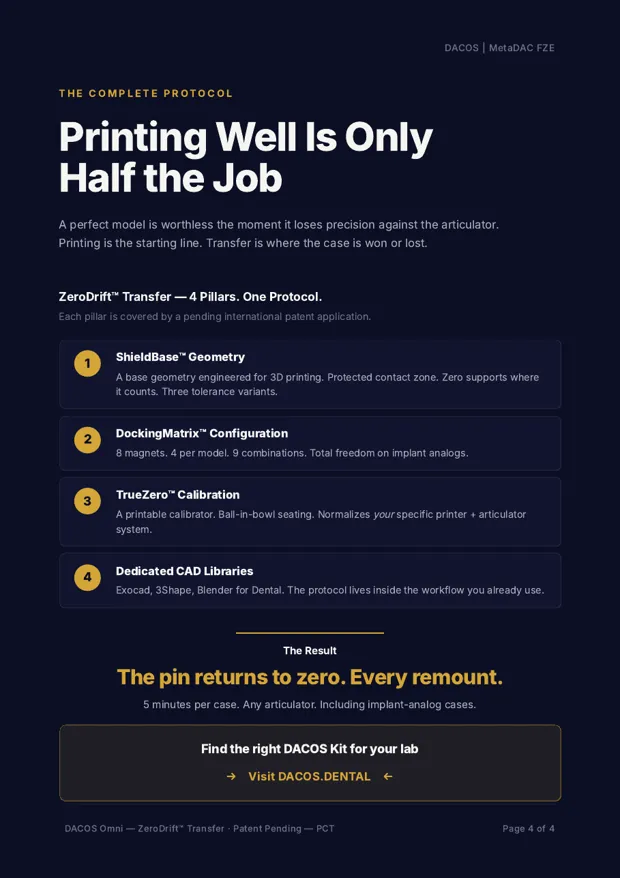
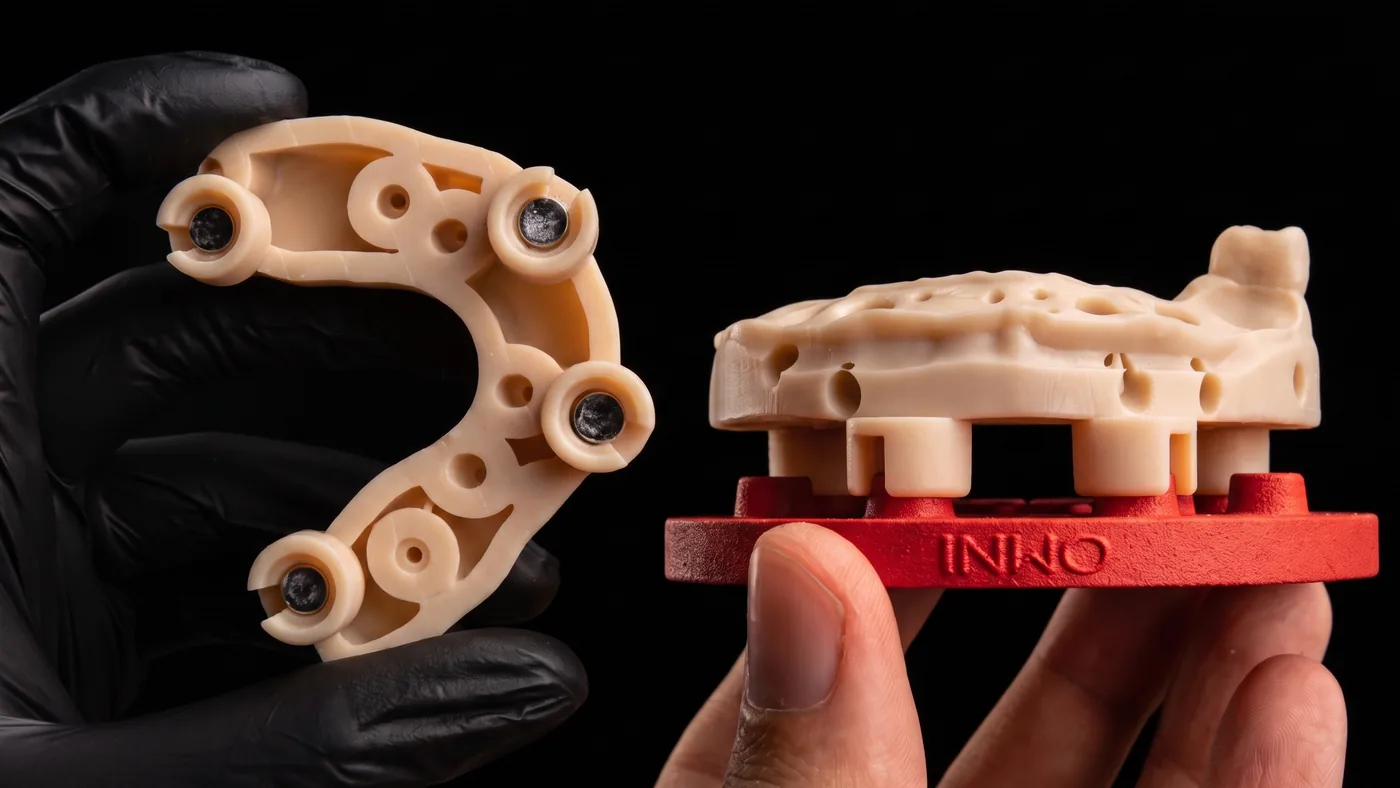
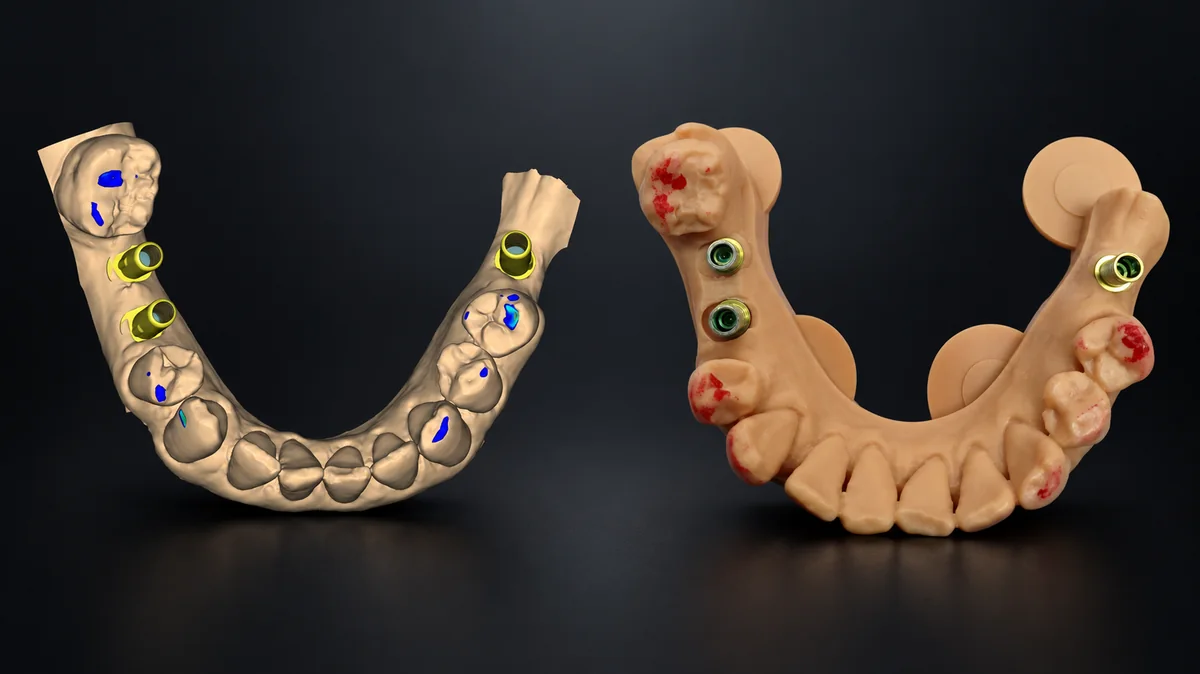
Print, magnets, articulator. On, off, back on: the pin goes back to zero, with the contacts you designed.
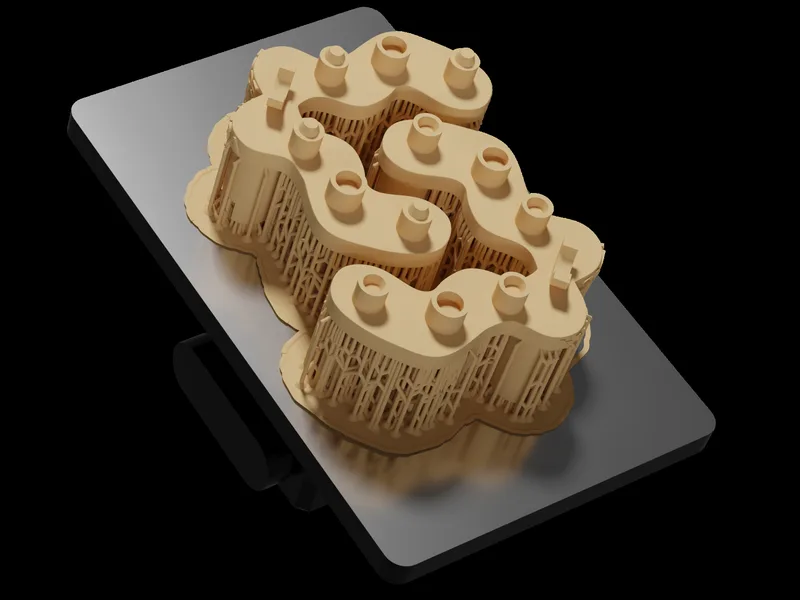
How calibration works on your own printer and resin, and which of the nine configurations fits your articulator.

Ask about your own cases. I answer live, until the last question.
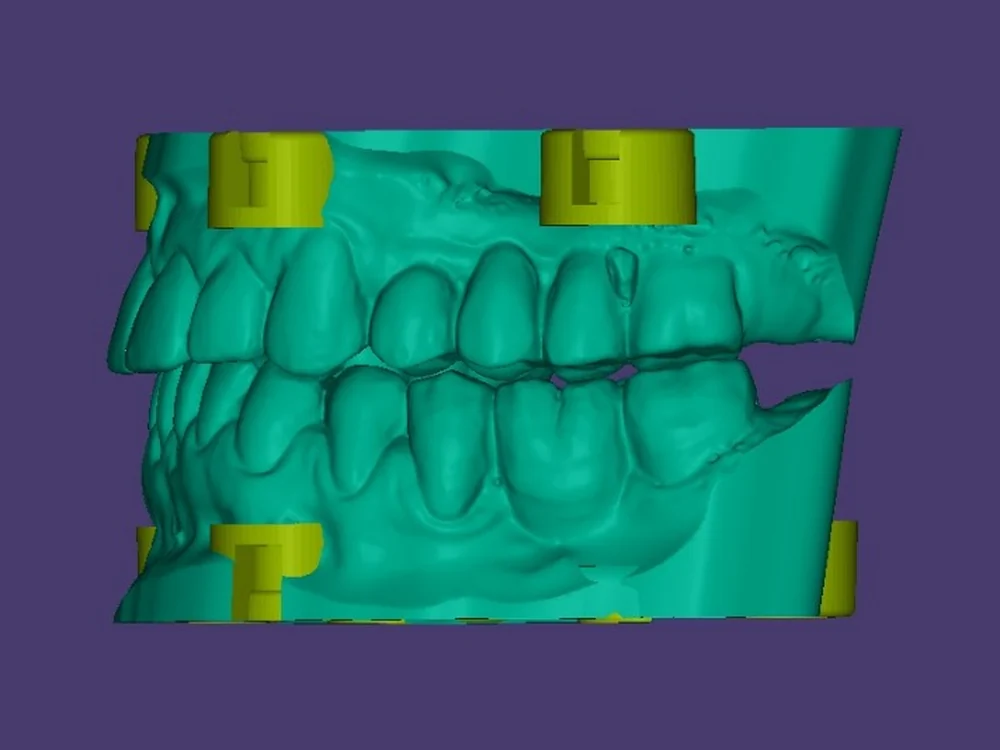
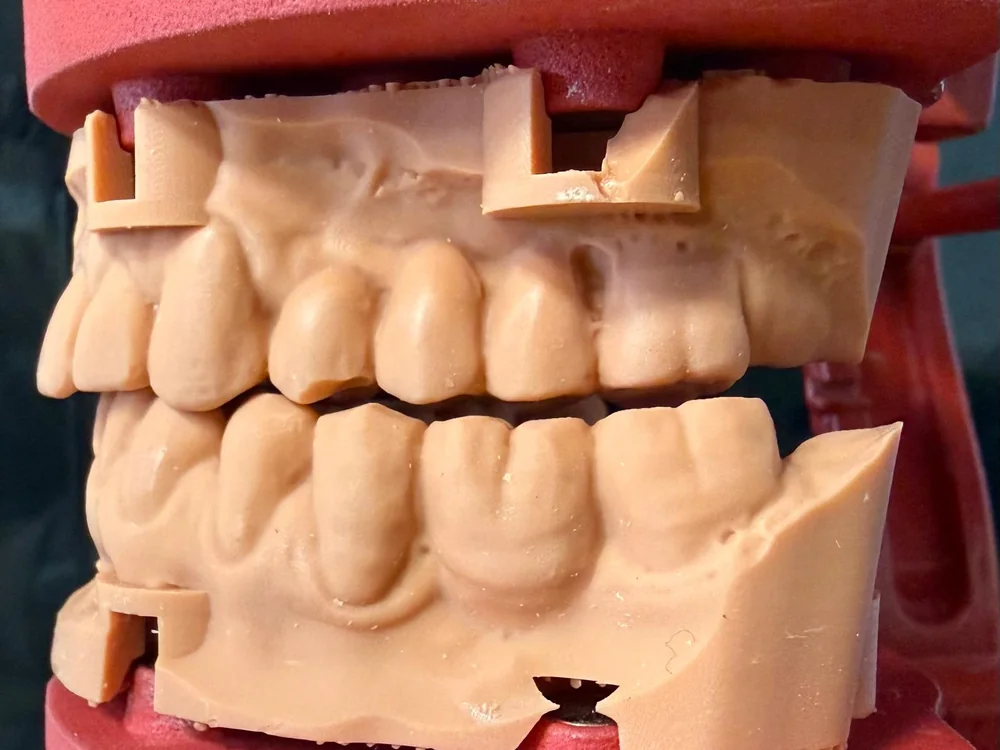
+ Free with your seat
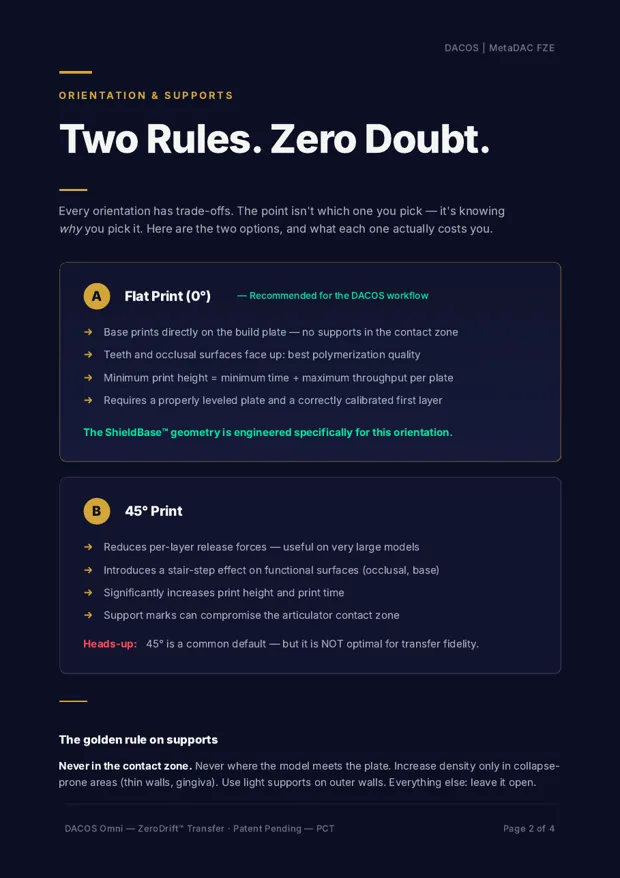
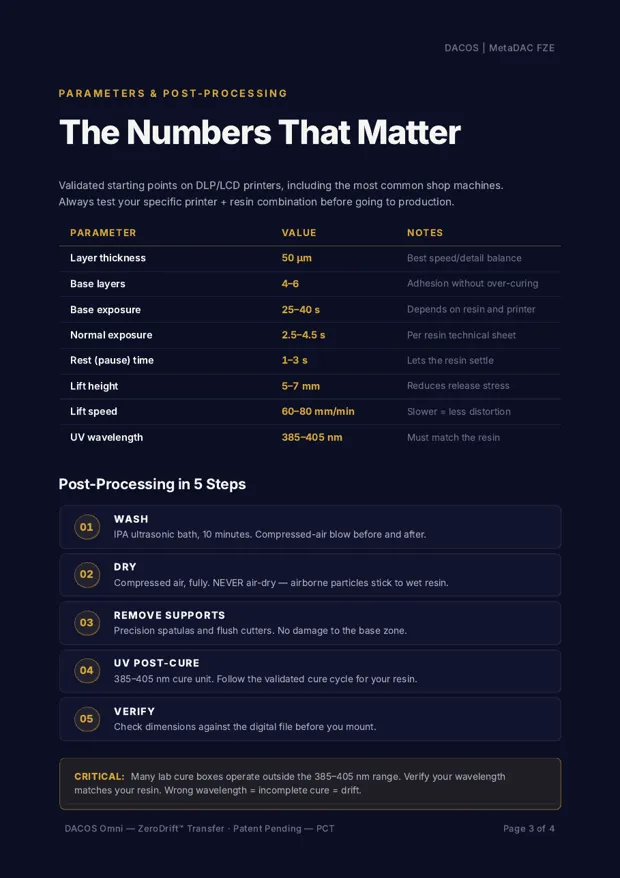
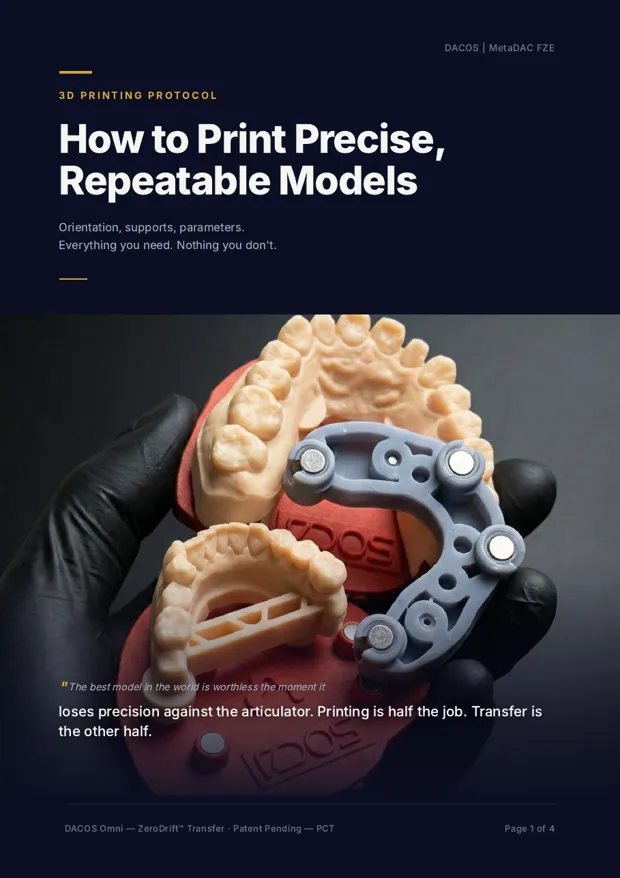
Printing is half the job. Four pages on how to orient, support and cure your models so they sit right on the plates. Read it before Thursday and follow the live with your own printer in mind.
It reaches your inbox a few minutes after you save your seat.
Nothing in the lab changes by itself. This is what sits on each side of Thursday.
I'm genuinely impressed by how professional and well thought-out this system is. Everything works smoothly and intuitively, and you can clearly feel the experience and care that went into its development. The support was excellent and the solution is extremely reliable. Highly recommended.
Amazing Product! Currently the best articulator system on market for transferring your digital work to your prefer articulator. Game changer for full arches cases.
Those who know me know I've always been a bit skeptical about systems for repositioning 3D-printed models in an articulator. But Antonello designed this one differently, and it solves two key problems. […] It's one of the few systems on the market I really like.
A smart, plasterless articulation system that fits perfectly into a fully digital workflow. What I really appreciate about DACOS OMNI is how seamlessly it works inside exocad Model Creator, no need for a separate Model Creator.

In our CAD workflow, design is only half the job. We were looking for a system that would let us take a real step up in the manual verification of our projects, especially for tasks requiring a highly dynamic approach, such as checking a 3D-printed bite splint. With the new Dacos Omni, we found exactly what we needed.

DACOS Model System — the premium standard in digital-analog harmony! Thanks Antonello for inventing this.
Brilliant design with strong customization (nine site options for different cases) and the mounting calibration, which should improve accuracy!
The least questionable system available on the market.
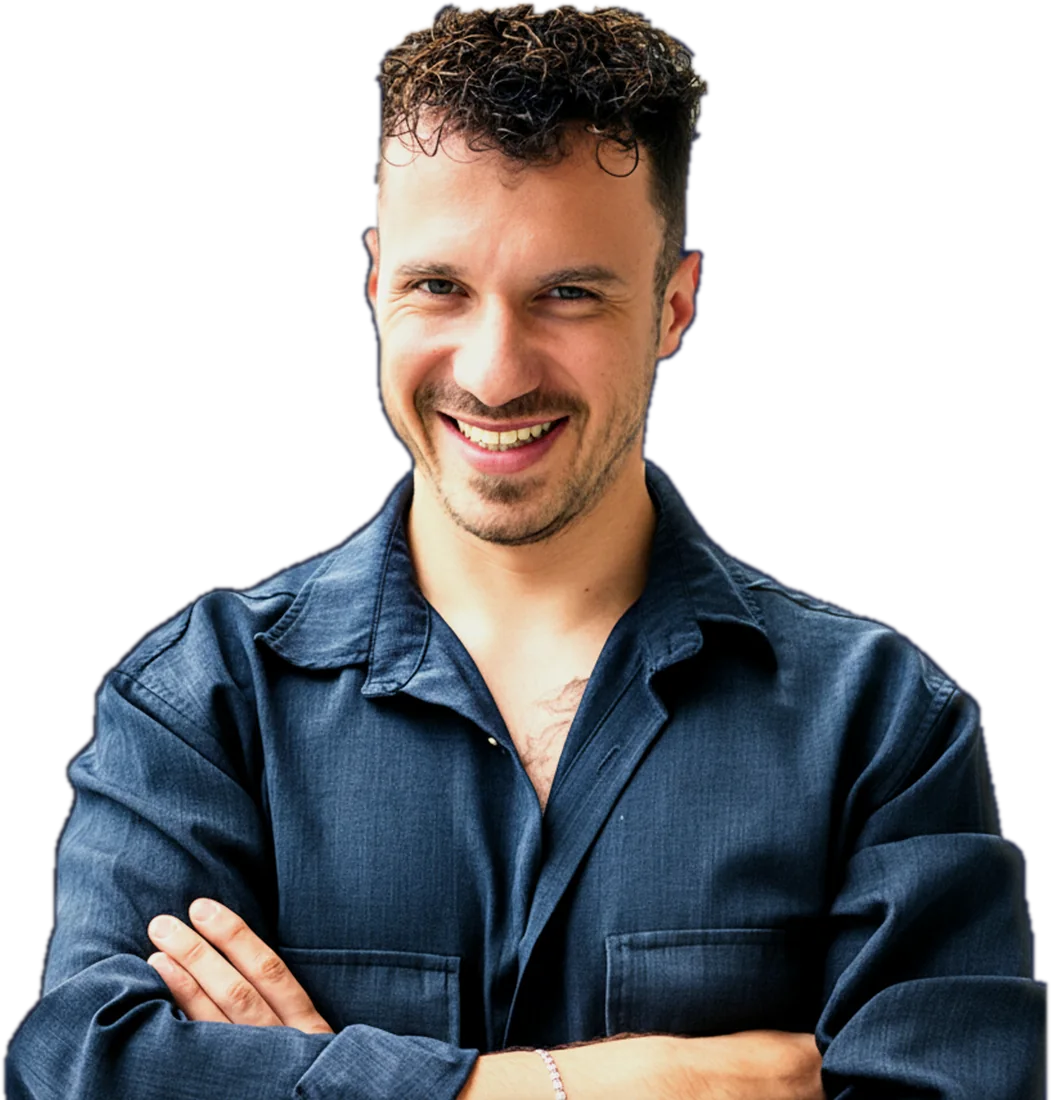
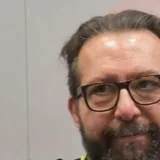
I'm a dental technician, and I designed DACOS Omni because I was tired of redoing cases that were right from the start. What you'll see on Thursday I do in front of you, live. Not in an edited video.
Yes. No card, nothing to buy to join. You register, you get the link, you join.
Thursday 26 November at 18:30 CET: 17:30 in London and Dublin, 19:30 in Athens and Helsinki.
A computer or a phone with Zoom. You don't need DACOS Omni, and you don't need to know anything about 3D printing.
There are dedicated kits for Artex, SAM and ASA, and the Flex plates for the others. Tell me yours in the form: on Thursday you'll know which configuration fits it.
Yes. Eight magnets, four per model, in nine combinations: you place them where the implant analogs leave room.
For a reminder before the live and the link, in case the email ends up in spam. No spam: reply STOP and it stops. Joining the WhatsApp group of the live is up to you.
Yes. At the end I'll show you DACOS Omni and how to get it. The hour before that is the method, and it's useful even if you never buy.
Yes. Send them this page: everyone registers with their own email.
One hour, live, free. The transfer to the articulator, from print to pin.
Save your free seat for Thursday 26 November and get the DACOS 3D Printing Protocol in your inbox: orientation, supports, parameters, post-processing. Four pages.